





Launch remote support with LogMeIn Rescue's Calling Card
Learn how to set up, brand, and deploy LogMeIn Rescue's Calling Card so your end users reach the right technician in seconds – no download and no hunting for a link.
LogMeIn Rescue's Calling Card is a built-in feature that gives end users a permanent desktop shortcut to launch a remote support session instantly. One simple installation is all it takes to connect with technicians in seconds.
This step-by-step guide walks IT admins and technicians through everything you need to get calling card up and running; planning your support channels, branding the applet to match your organization, configuring custom fields and deploying at scale.
Why Calling Card:
- Faster connections, no downloads: Select desktop icon to reach support immediately – no waiting on ticket queues or ad-hoc session links
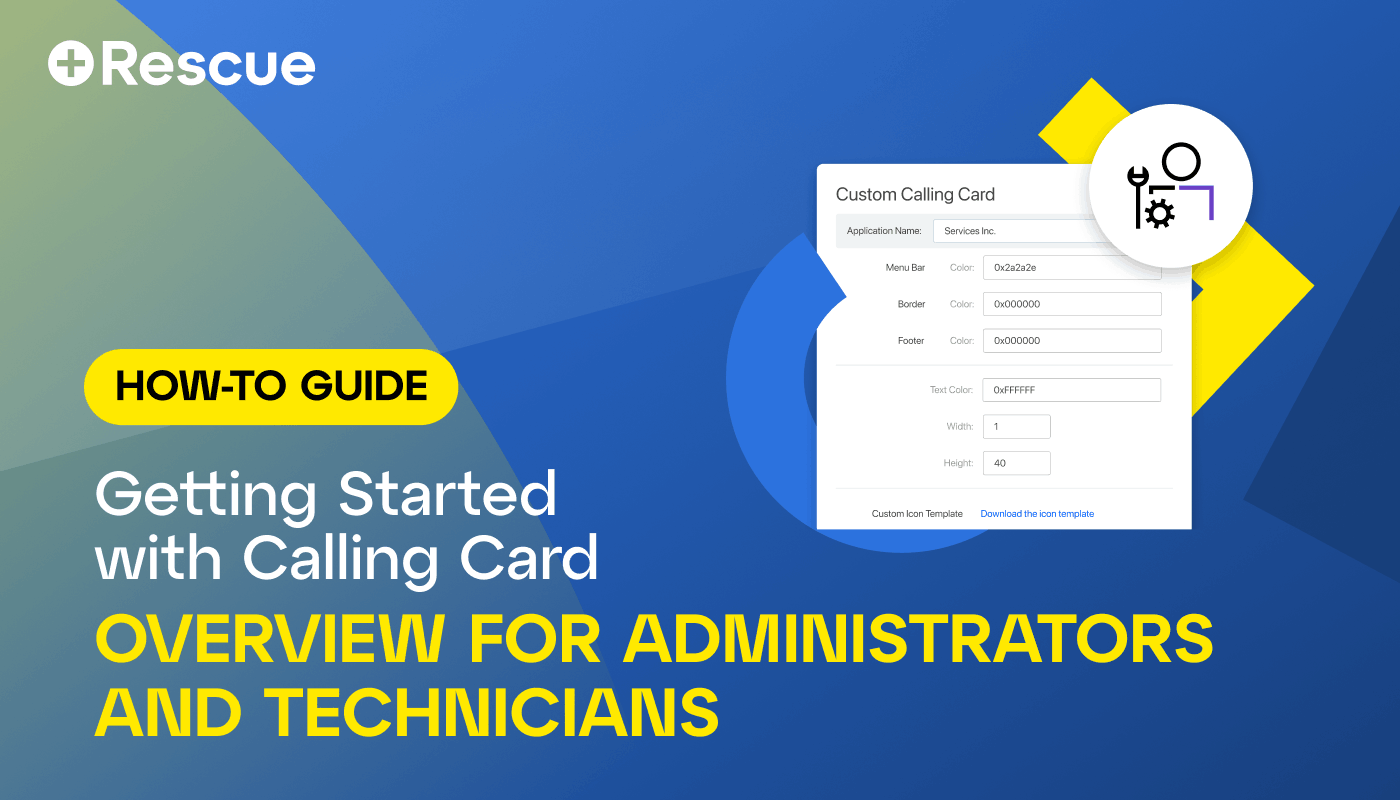
- Built to look like yours: Customize the applet's name, icon, colors, logo, and header and footer links, so your users always recognize it as your organization's support tool
- Route to the right technician: Assign calling cards to specific channels to every request reaches the right group the first time
- Deploy your way: Install one desktop at a time during an active session, or push silently to thousands of endpoints at once with Group Policy

Ready to See LogMeIn Rescue in Action?
Get a live walkthrough of LogMeIn Rescue and see its benefits in action.