Best managed detection and response solution

Get 24/7 threat monitoring with expert investigation and response through the LogMeIn Resolve Data Protection Suite powered by Acronis.
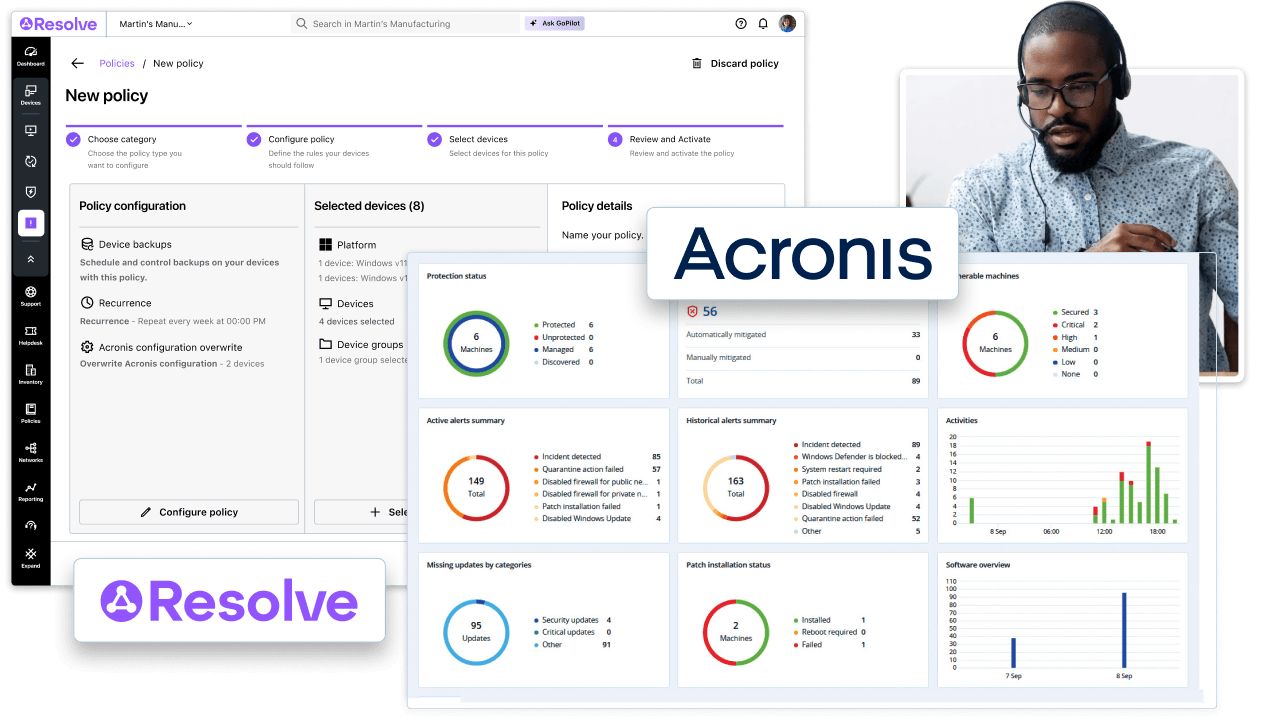
LogMeIn Resolve and Acronis MDR integration showing a security dashboard with protection status and alerts, monitored by an IT technician

What is managed detection and response (MDR)?

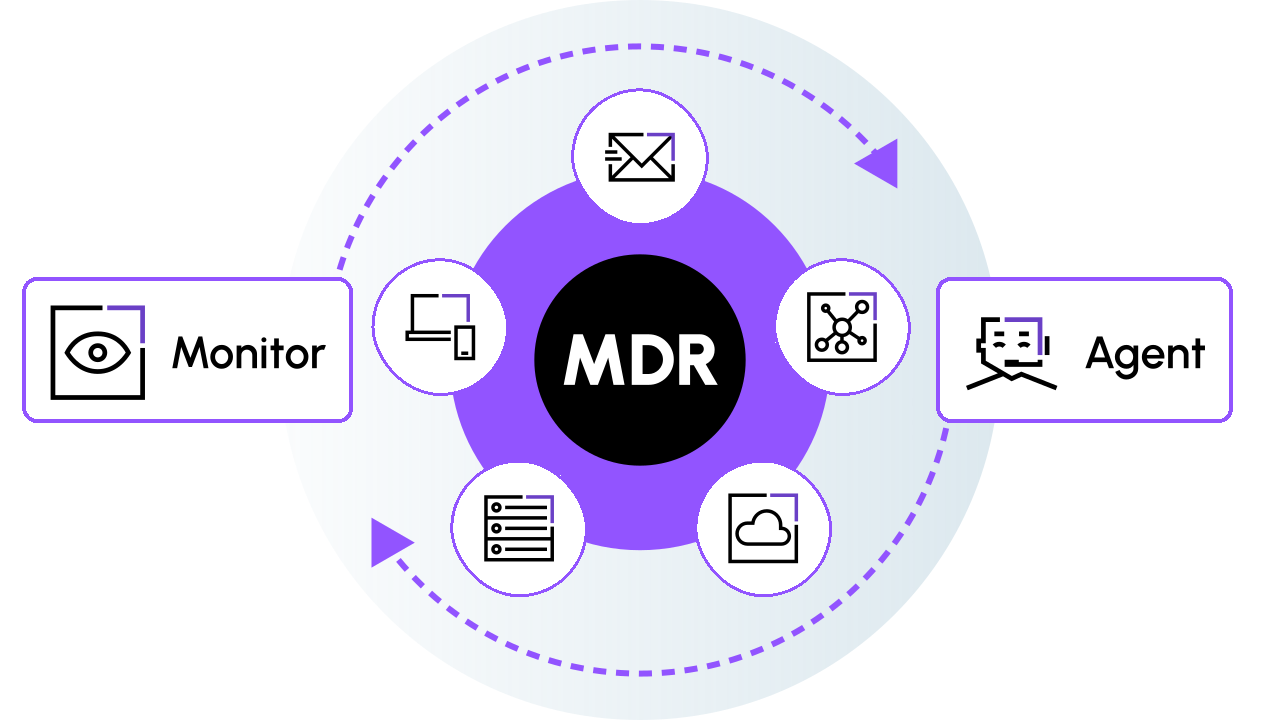
Diagram of MDR continuously monitoring email, network, cloud, server and endpoint sources, with an agent responding to threats

Go beyond alerts with managed threat detection

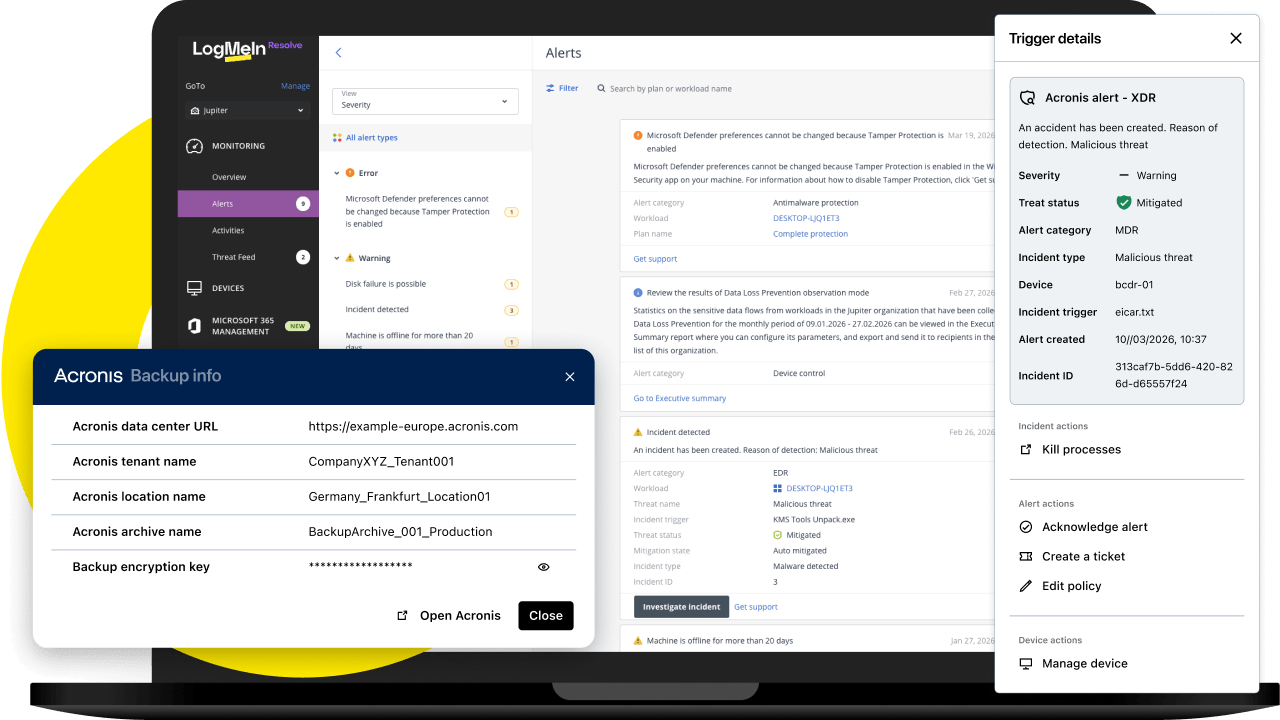
LogMeIn Resolve alerts list with an Acronis XDR malicious threat alert, trigger details and response actions, plus Acronis backup info

Handle more security threats with a lean IT team

Get continuous security coverage without adding more work to your IT team.
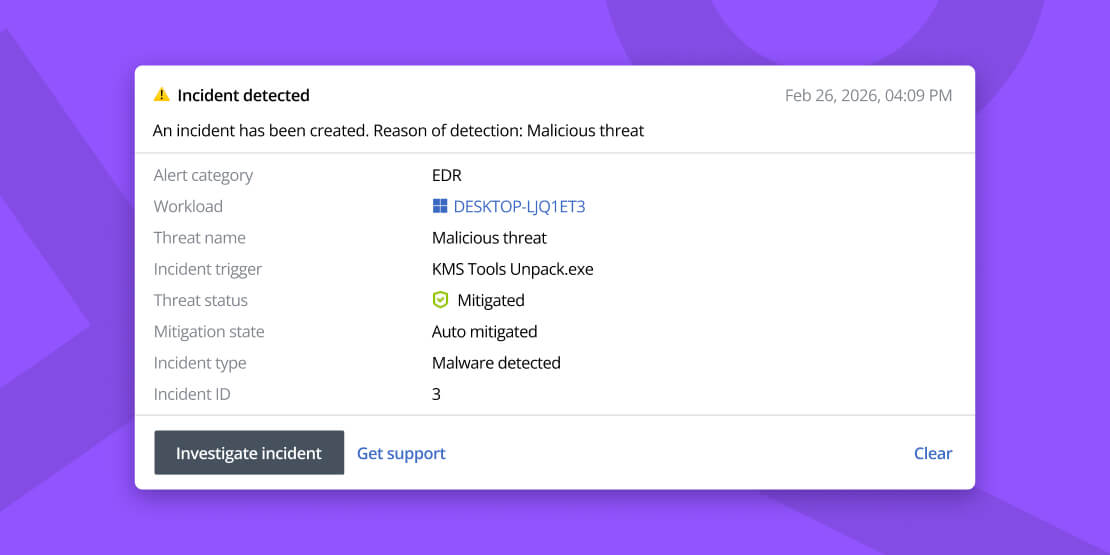
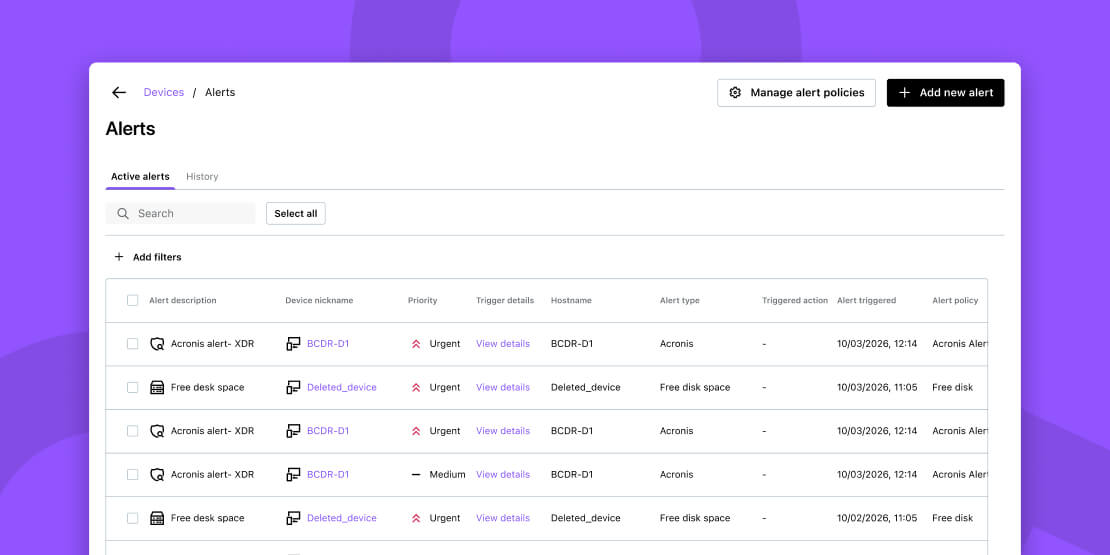
LogMeIn Resolve active alerts table listing Acronis XDR alerts with priority, device and trigger details

Strengthen protection against modern attacks

Advanced detection and expert investigation help IT teams identify threats that traditional security tools may miss. Behavioral analysis, threat correlation, and analyst investigation can surface suspicious activity such as fileless malware, zero-day vulnerabilities, and lateral movement. This gives lean security teams more support when threats require investigation and action.
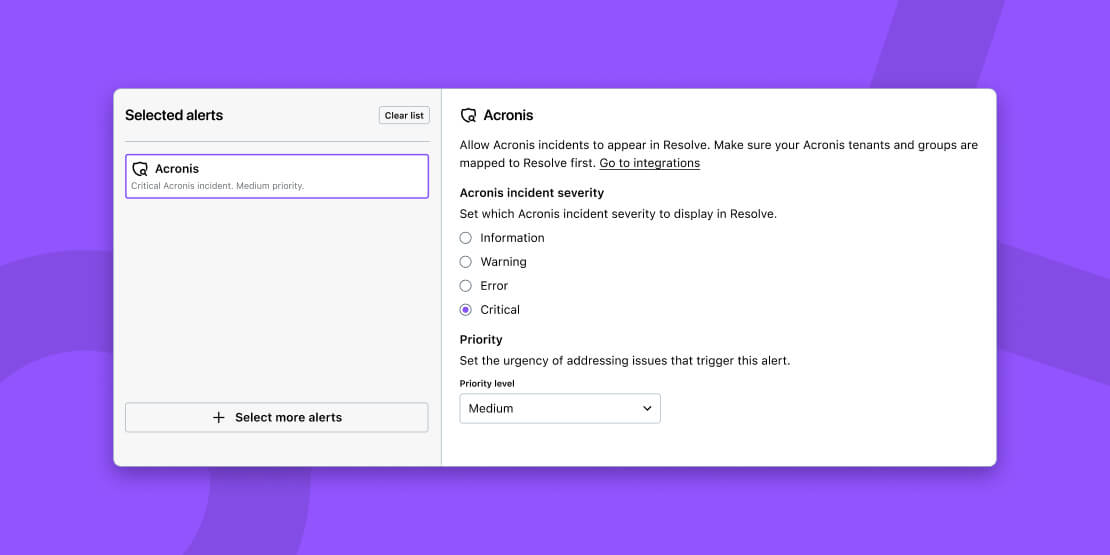
LogMeIn Resolve alert settings for Acronis incidents, with options to choose which incident severity appears and set the priority level

Get 24/7 security without building a SOC

MDR software gives IT teams 24/7 security monitoring and response without the cost and complexity of an in-house SOC. You can access security expertise and detection technology without building the analyst coverage, security infrastructure, response processes, and ongoing training required for round-the-clock operations.
LogMeIn Resolve active alerts table listing Acronis XDR alerts with priority, device and trigger details

Reduce missed threats

Continuous monitoring, threat hunting, and expert investigation help IT teams identify threats that automated alerts alone may miss. Analysts can investigate suspicious activity and prioritize events that require action, so lean teams spend less time sorting through alerts and more time addressing higher-priority security concerns.
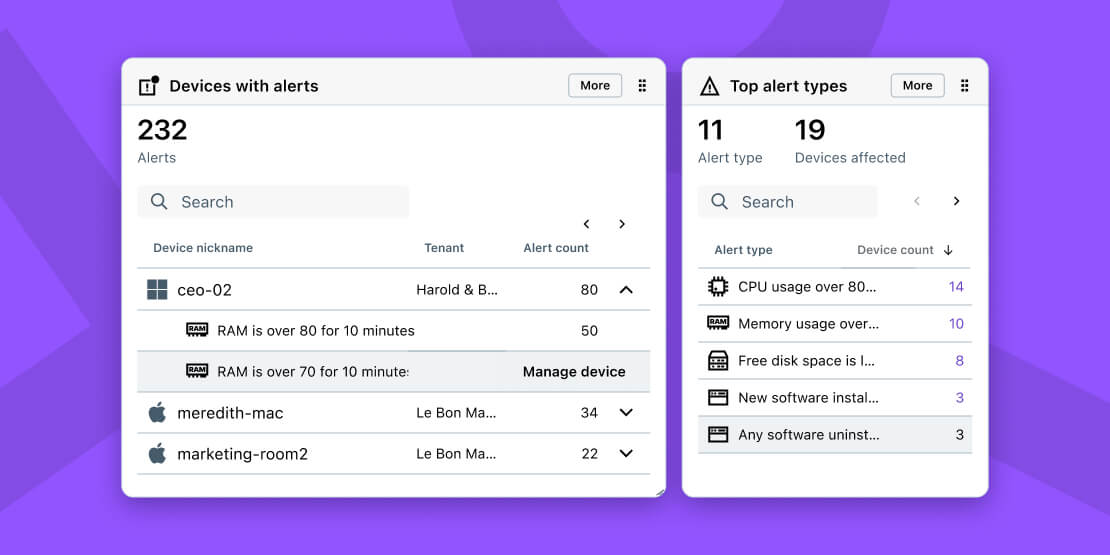
LogMeIn Resolve dashboard widgets showing alerts across devices and the top alert types, such as CPU usage, memory usage and free disk space

Simplify compliance and cyber insurance

MDR solutions support compliance and cyber insurance requirements through continuous monitoring, rapid escalation, and detailed security reporting. These capabilities can provide evidence of active security management and documented detection and response activity.
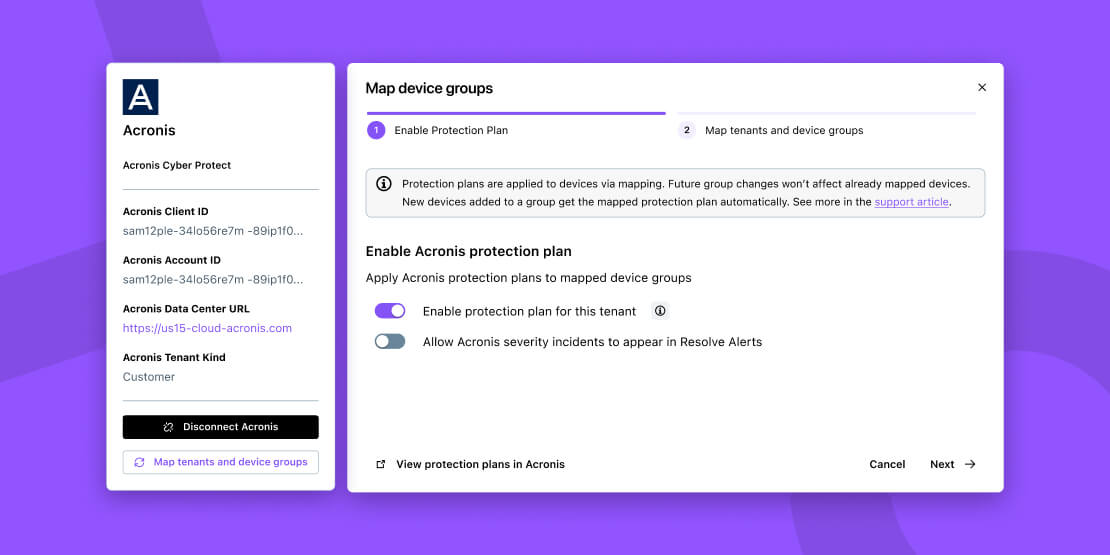
LogMeIn Resolve Acronis integration setup showing the Map device groups step with options to enable a protection plan and show Acronis incidents in Resolve alerts

Recover faster when threats get through

Backup and disaster recovery help IT teams restore critical systems and data during incidents. The LogMeIn Resolve Data Protection Suite, powered by Acronis, connects security with backup and recovery, so you can extend protection beyond threat detection and response to system and data restoration.

Learn more about LogMeIn Resolve's Data Protection Suite's capabilities

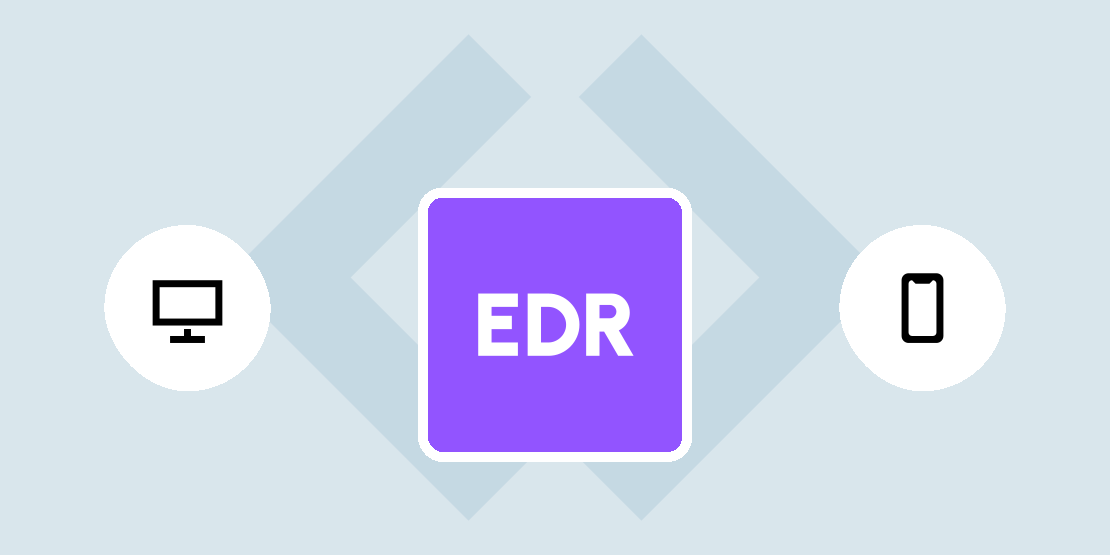
Endpoint Detection & Response

Endpoint Detection & Response (EDR) delivers deep endpoint visibility to quickly detect advanced threats.

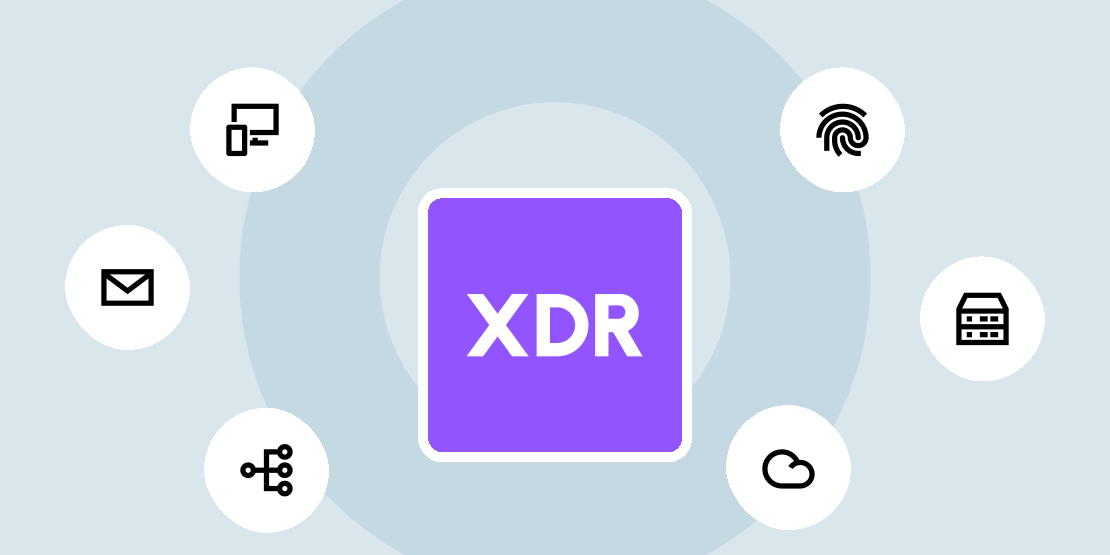
Extended Detection & Response

Extended Detection & Response (XDR) correlates endpoint, network, and cloud data for faster, more accurate response.
Diagram of MDR continuously monitoring email, network, cloud, server and endpoint sources, with an agent responding to threats

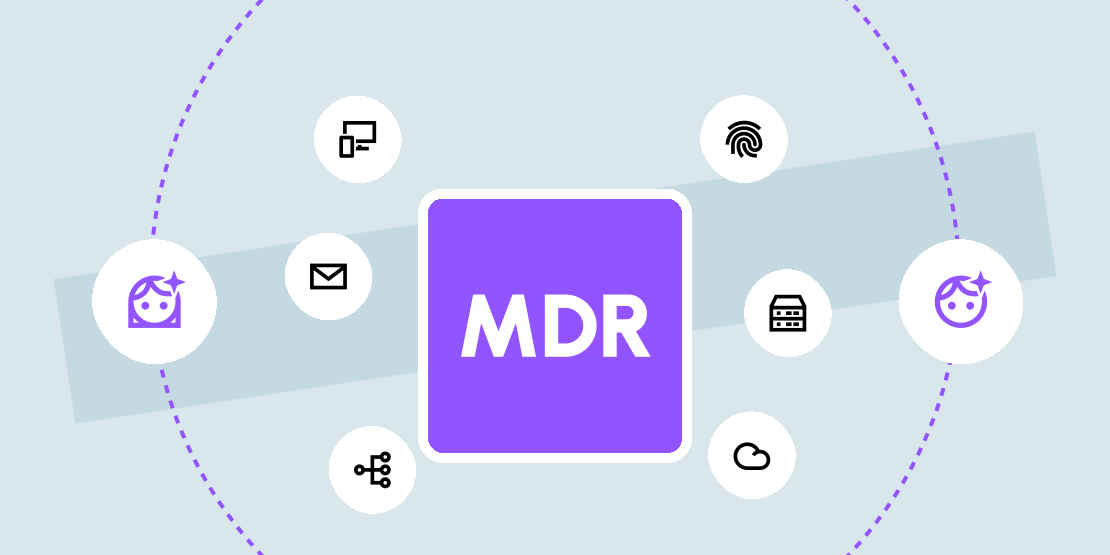
Managed Detection & Response

Managed Detection & Response (MDR) delivers 24/7 threat monitoring with expert investigation and response.

Don't take our word for it. See what customers love about LogMeIn Resolve

Frequently asked questions

What is a managed detection and response solution?

What is the difference between MDR and antivirus or EDR?

How does managed detection and response work?

Do I need MDR if I already have antivirus and a firewall?

What makes MDR from LogMeIn Resolve different?

yellow-blue-white-jpeg

Complete your managed detection and response solution with recovery

Pair 24/7 monitoring, expert investigation, and response with integrated backup and recovery through LogMeIn Resolve Data Protection Suite.