



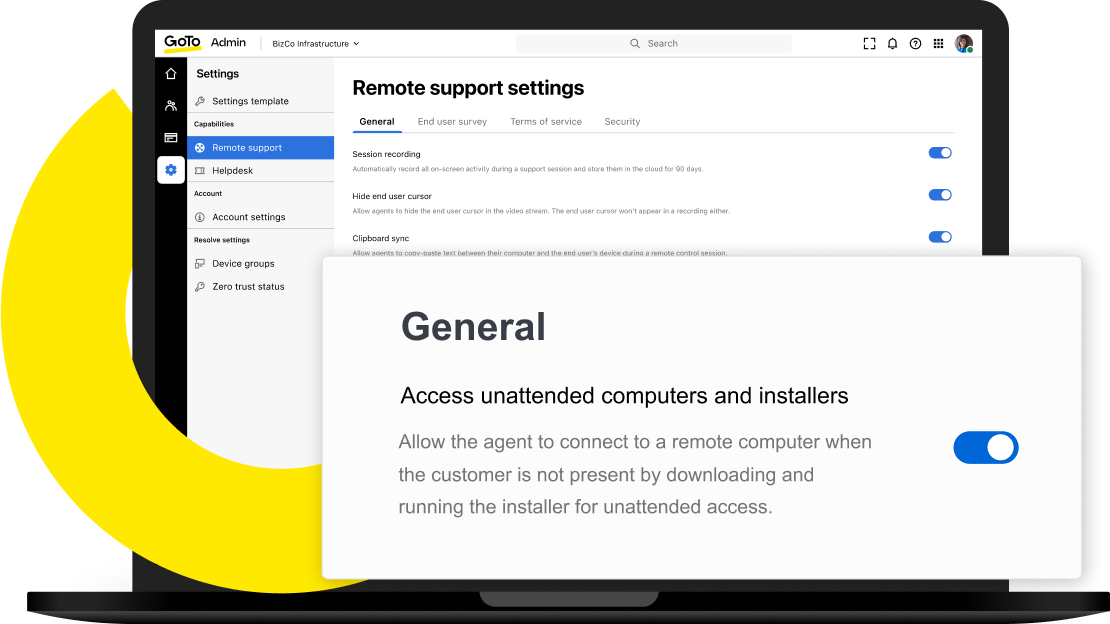
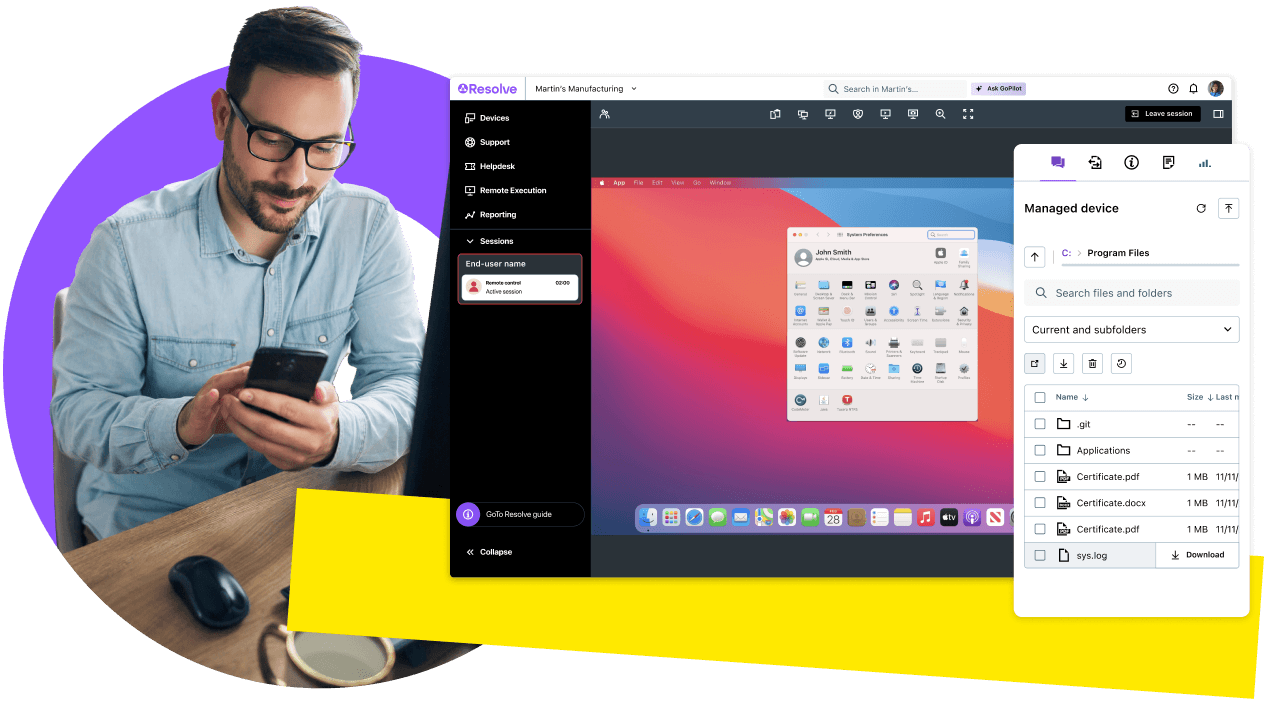
Fix issues, even when end-users aren’t there – so they can get more done when they are
From proactive updates to triaging problems, remote unattended access lets you view and control computers or servers – without an end user present.
- Install and deploy updates on off hours
- Fix an issue while the employee is offline
- Easily set up and assign company and user devices
In this hybrid-work world, IT support should be flexible. Whether you're managing one office or many, unattended remote access lets IT work proactively — so everyone, everywhere can stay productive.
Support your flexible workforce

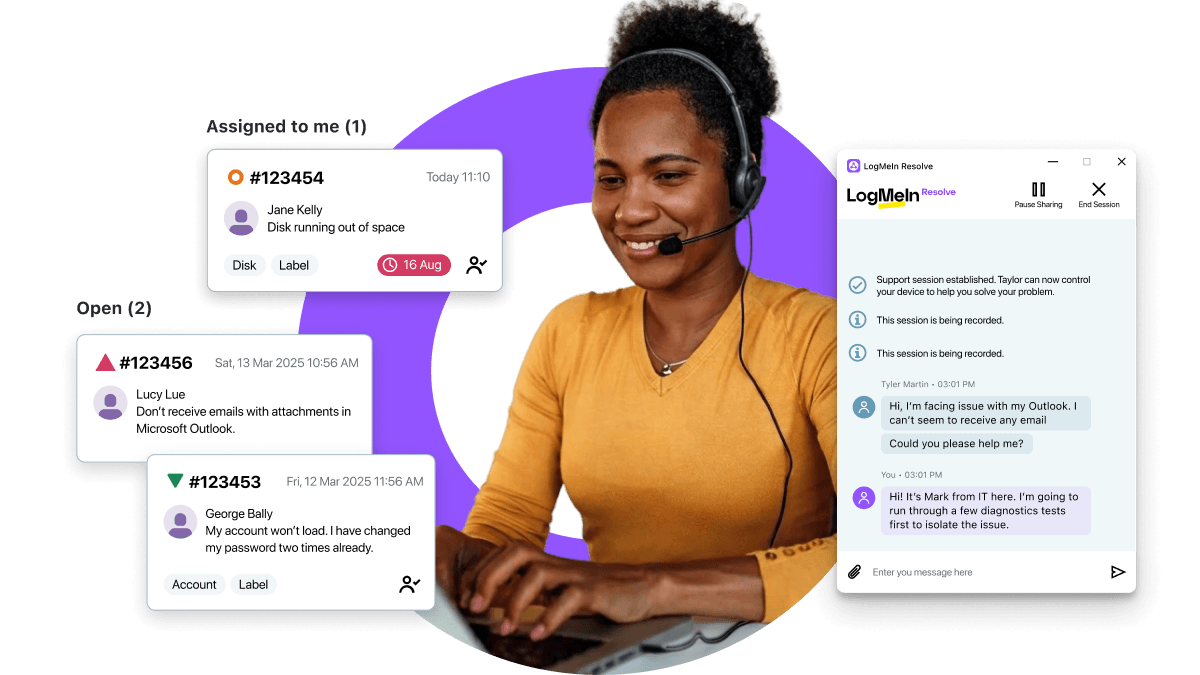
Workforce Support
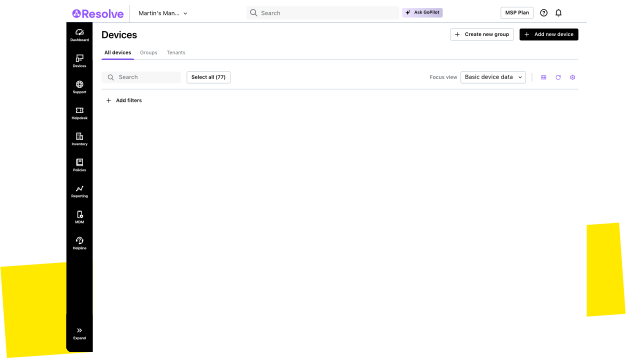
Device Deployment
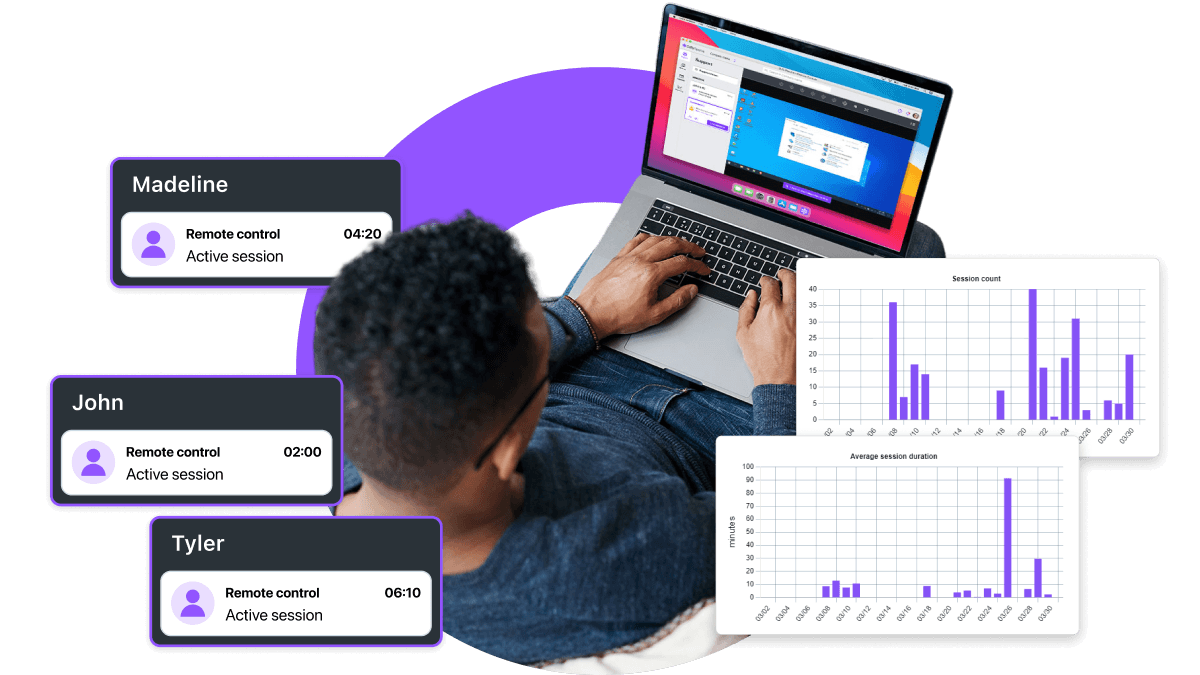
Business Scaling
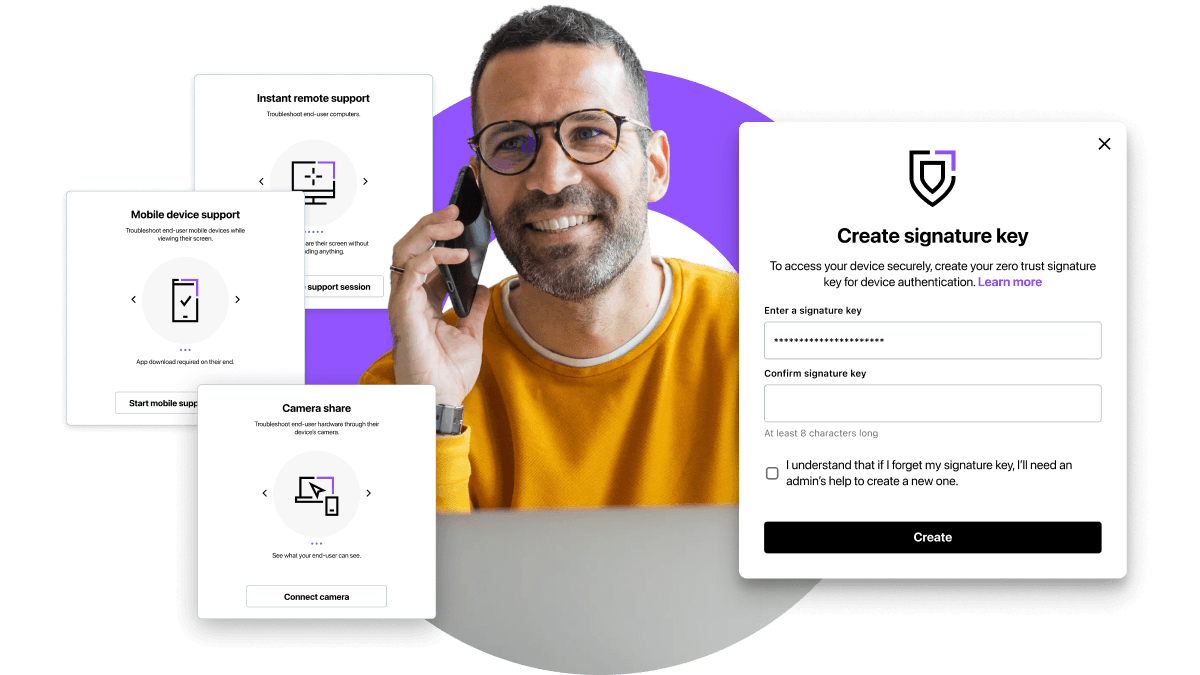
Business Security
Background Access Insights
Try unattended access with your free LogMeIn Resolve trial

See what customers love about LogMeIn Resolve
LogMeIn Resolve at-a-glance
Simplify problem-solving for both IT and employees. Receive requests, triage problems, and fix issues fast.


What is unattended remote access, and how does it benefit IT support teams?
What’s the difference between attended and unattended remote access?
Does LogMeIn Resolve support multiagent collaboration with unattended access?
Does LogMeIn Resolve offer a remote access only plan?
Is unattended remote access safe?
How many devices can I manage with unattended remote access in LogMeIn Resolve?