Everything you need to protect endpoints from evolving cyber threats
With LogMeIn Resolve’s antivirus management software, IT teams and managed service providers (MSPs) can enjoy peace of mind backed by next-level security across every endpoint.

Simplified management
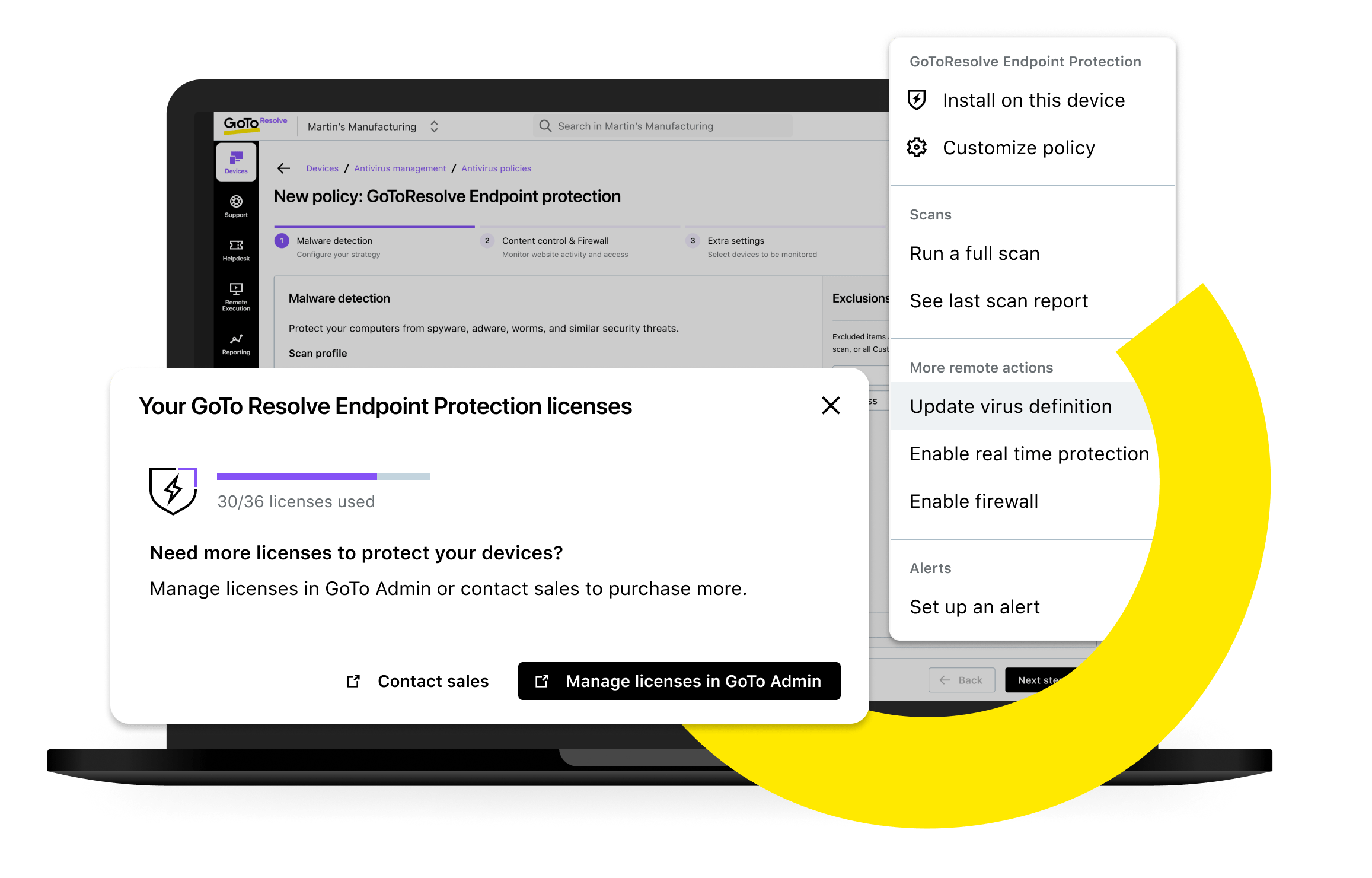
Enable real-time protection policies, run commands, check for the latest virus definitions, and initiate a full scan on the host.

Quick and easy deployments
Test and deploy AV software updates on one, many, or all managed devices with a single click.

Improved compliance
Access and export a list of devices and their security status to support routine audits and ensure compliance with security regulations.