




Enterprise remote support security, built into every remote support session

LogMeIn Rescue protects every connection with banking-grade encryption, enforced identity controls, and granular session governance.

Stay a step ahead of threats with enterprise remote support

95acb790-73e7-45e7-ae37-e653df4be9fb-jpg

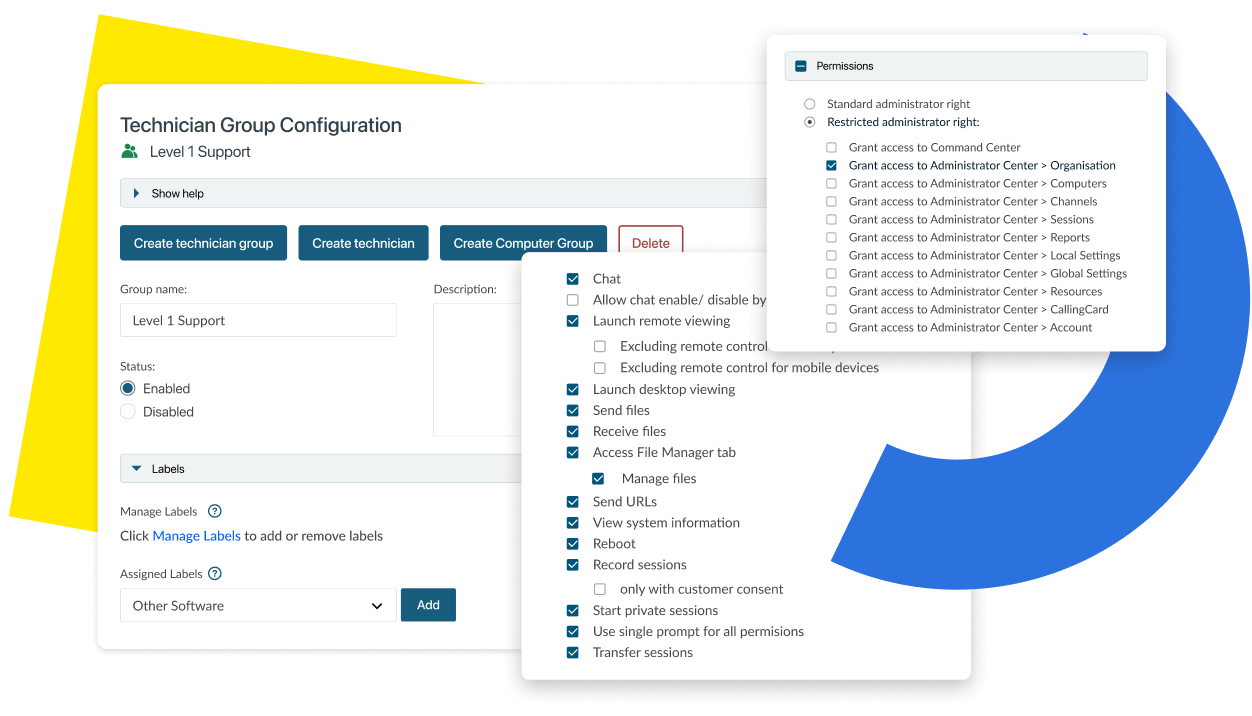
Permissions and controls

Enforce least-privilege access across every technician and every session

UI showing permission Control features checklist.

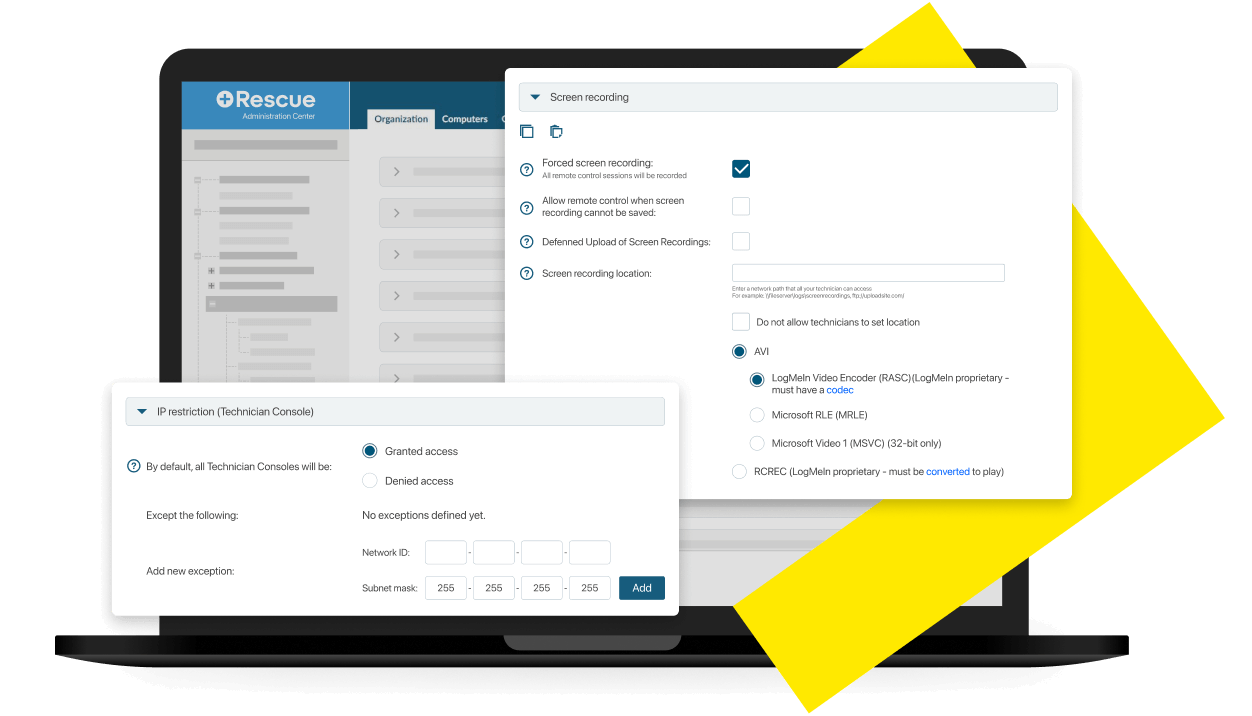
Session validation measures

Purpose-built validation controls for regulated and high-security environments

UI showing screen recording and IP restriction settings.

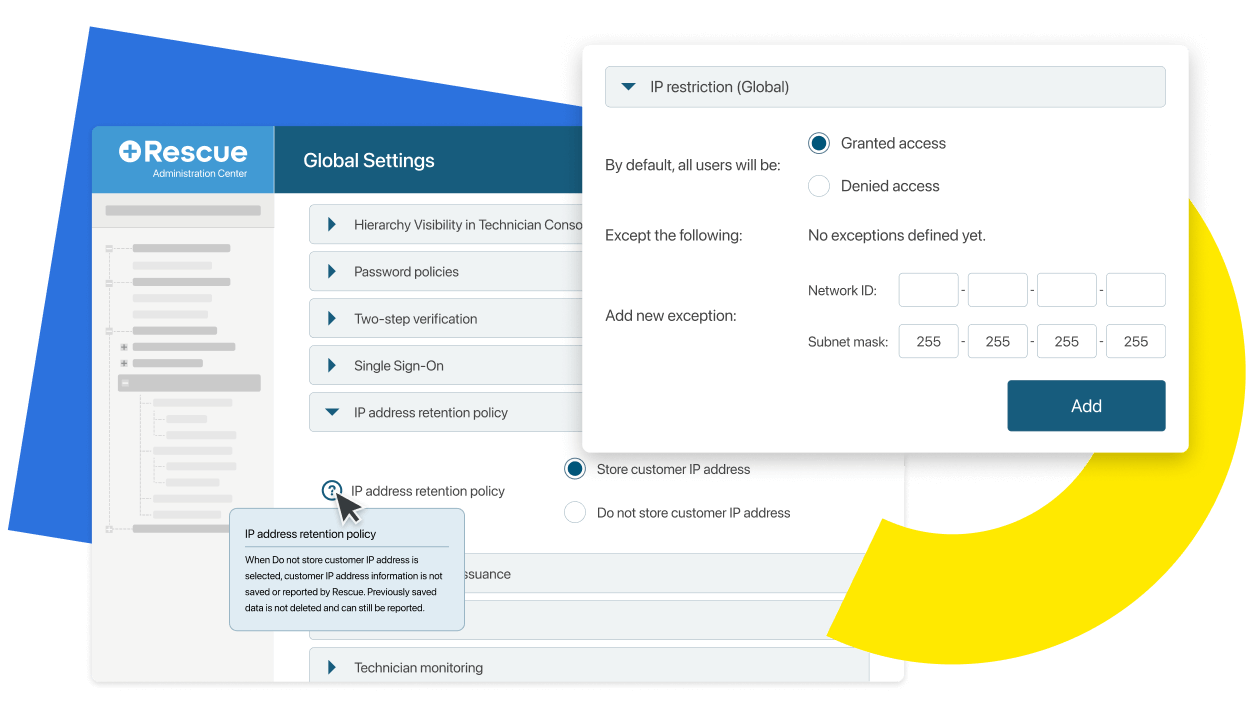
Data residency & storage customization

Flexible data storage and retention controls for compliance-driven organizations

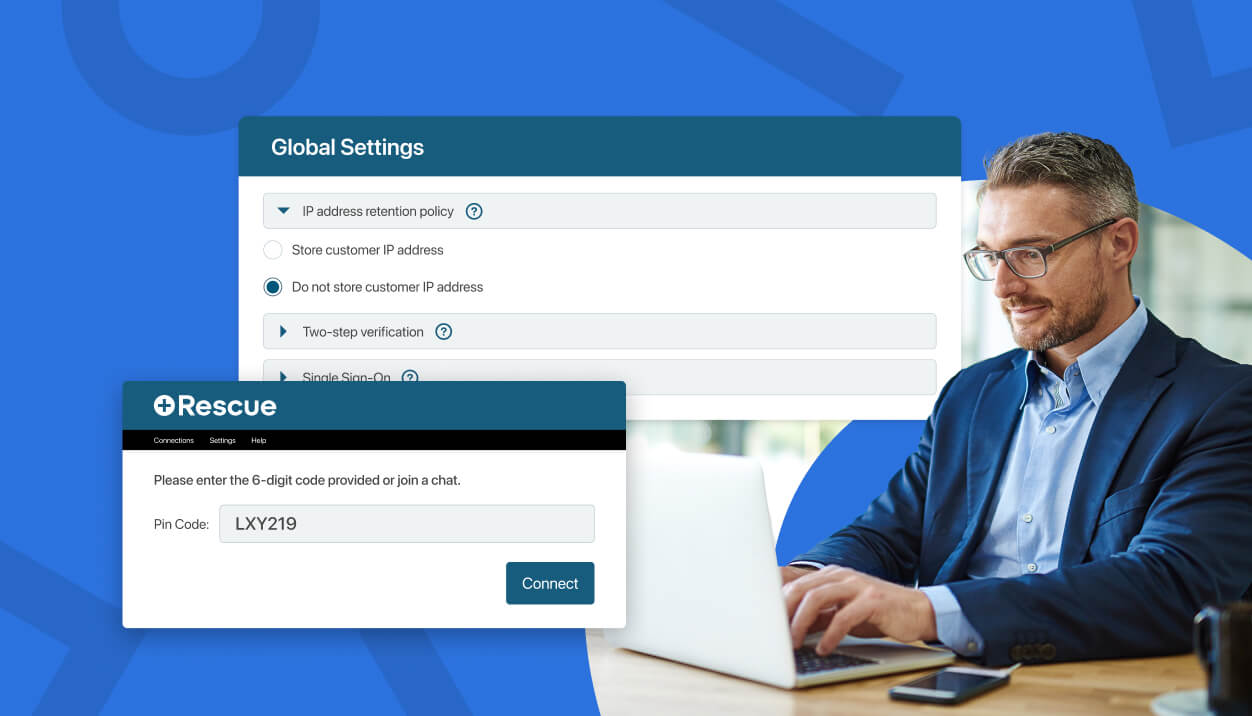
UI showing global settings for data storage.

Auditing & reporting

Complete session visibility and audit-ready records for every support interaction

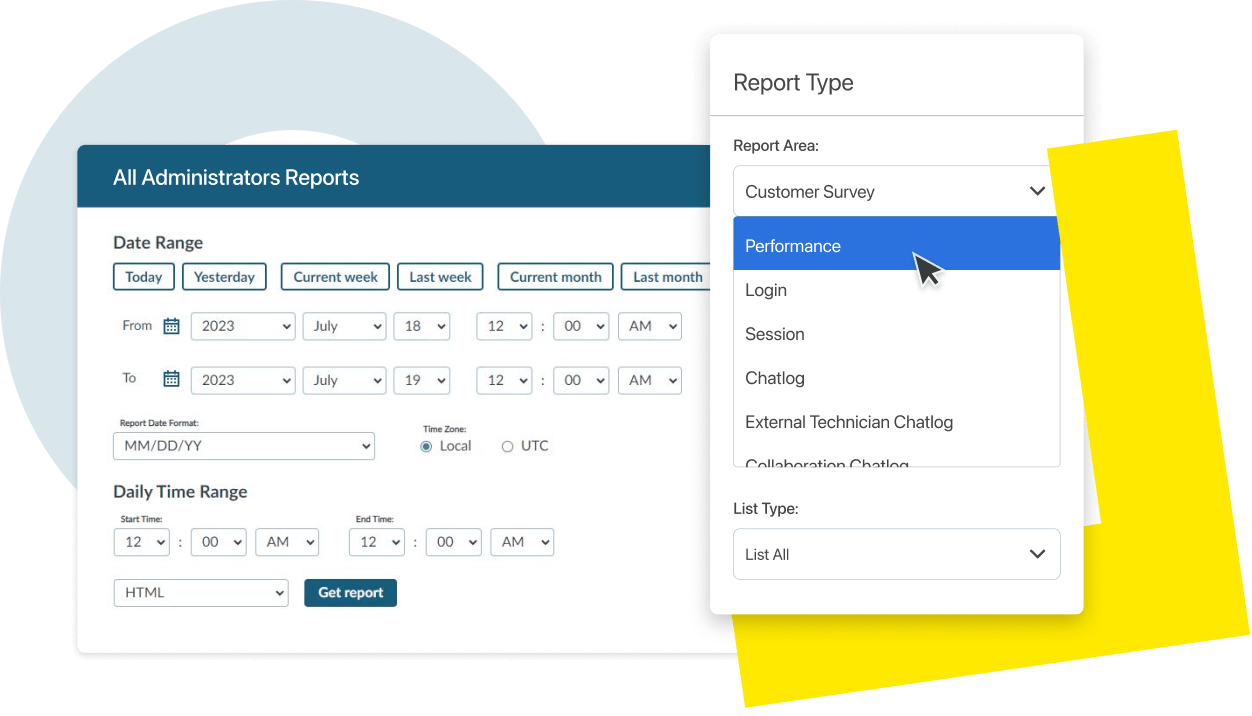
UI showing how to create a report.

Relentless remote support security

Make admins’ jobs easier with Active Directory (AD)

With secure user onboarding with AD, admins’ jobs are easier too. There’s just one pool of users to manage. Any user changes in AD are automatically synched to Rescue.

Add Technicians →

Enforce identity-based access with mandatory SSO and multi-factor authentication

Configure LogMeIn Rescue to prevent fallback local logins entirely, keeping access tied to verified, managed identities. Pair SSO with two-step verification, including time-based codes, one-tap prompts, and more.

Set up SSO →

Banking-grade encryption on every session

Every remote session is automatically applied with banking-grade end-to-end 256-bit Advanced Encryption Standard (AES) and TLS 1.2 transport security from the moment a session is initiated to the moment it closes.

See how secure remote support software enhances user experience

FAQs

How does LogMeIn Rescue protect remote support sessions end to end?

What controls does LogMeIn Rescue offer for regulated environments like healthcare or financial services?

Can I require single sign-on for all technicians and prevent local logins?

Does LogMeIn Rescue support cloud-based deployment or self-hosted options?

What should security teams look for when evaluating remote support tools?

Stay a step ahead with secure remote support software

LogMeIn Rescue brings the highest security standards in remote support to every session.