Improve your iOS Remote Support with the leading remote support tool

Cut down on support costs and create a better, smoother customer support experience with LogMeIn Rescue's remote support for iPhones and iPads

Remote access for iPhone and iPad–from anywhere

Whether they’re on iPhone or iPad, Rescue’s remote access and support makes troubleshooting users’ devices super easy.

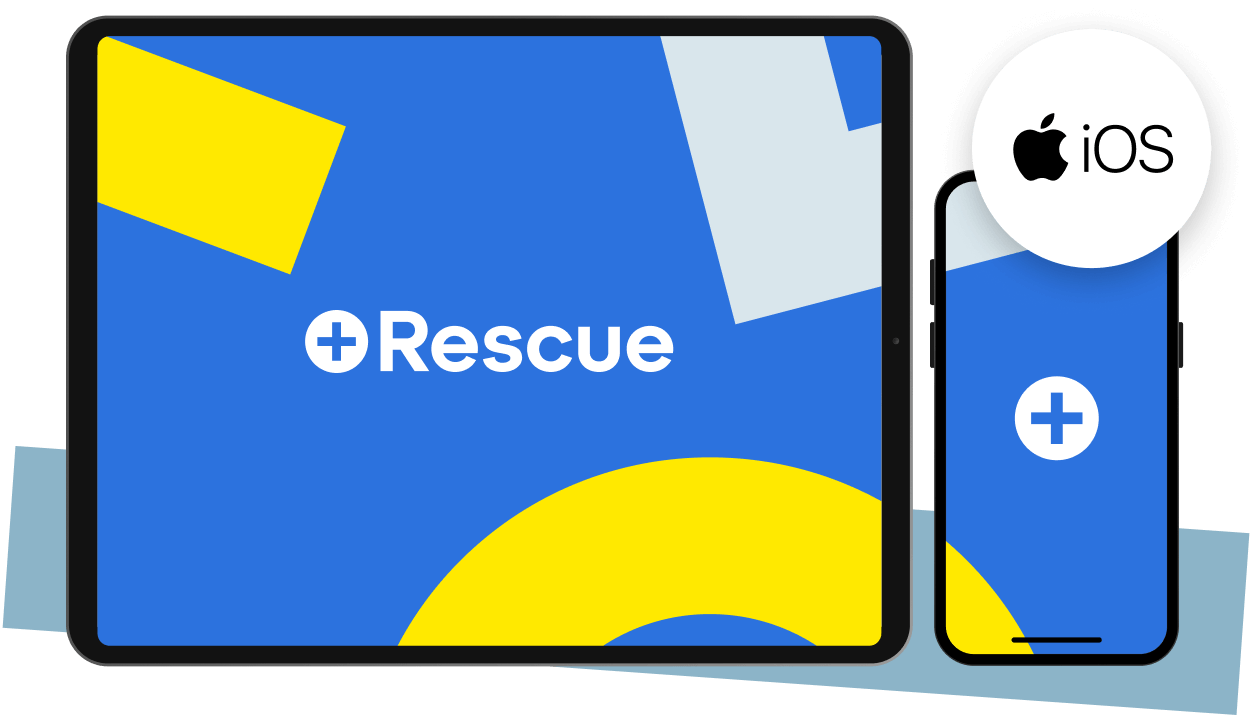
LogMeIn Rescue offers high compatibility with Apple iOS devices, including iPhone and iPad, for seamless remote support.

Remote support for iOS

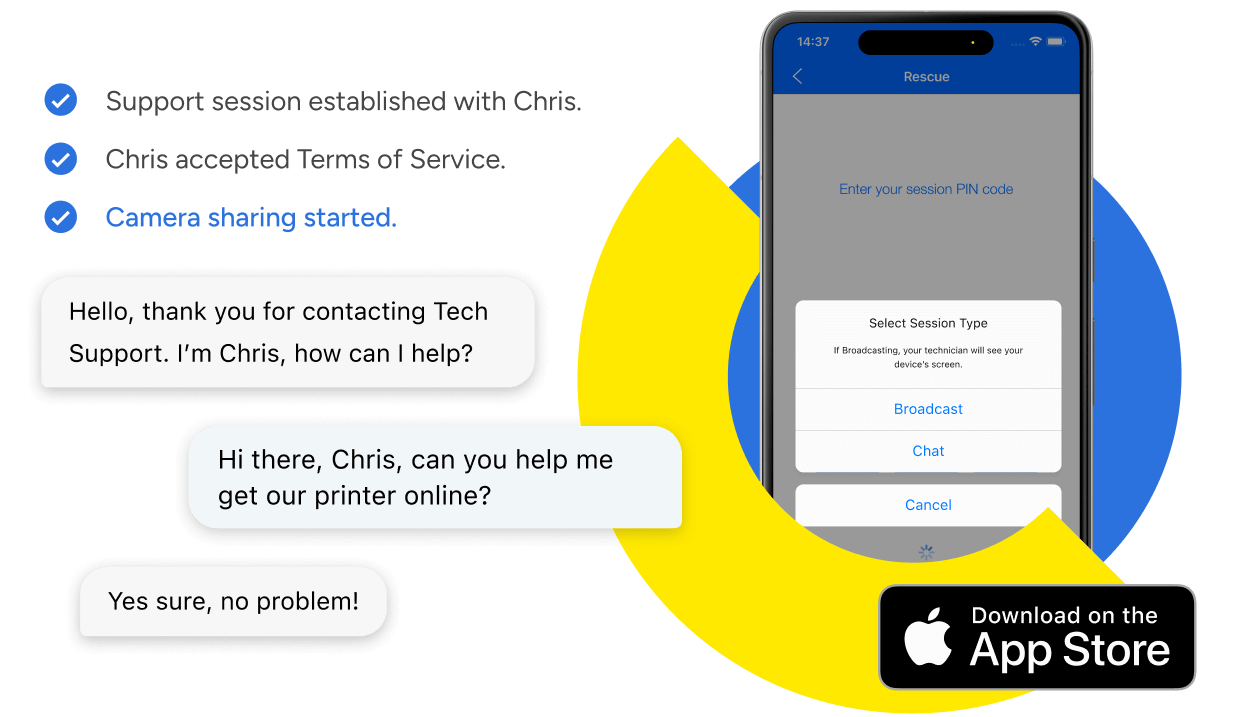
LogMeIn Rescue remote support for iPhones and iPads gives you two options for connecting: chat and broadcast.

LogMeIn Rescue enables technicians to provide remote support on users' iOS devices through chat and screen broadcast.

Why LogMeIn Rescue Remote Support for iPhone and iPad?

Professional highly satisfied with the cost-performance of LogMeIn Rescue for its remote support capabilities.
Cut costs and improve ROI

By improving first-call resolution and speeding up resolution times, Rescue customers have reported ROI up to 1000%.

Customer satisfied with the quick issue resolution provided by an IT support agent using LogMeIn Rescue.
Improve customer satisfaction

Help customers resolve issues quickly and painlessly. Faster resolution times mean happier customers, higher NPS scores and better business.

Rescue to provide remote support for iPhone users.
Boost agent productivity

By remotely accessing any iPhone or iPad and handling multiple support session simultaneously, agents can boost their productivity by up to 23%

What you can do with iPhone and iPad Remote Support with LogMeIn Rescue

smartphone
Put the power of Rescue in your mobile app with our SDKs

Provide seamless in-app support

With our SDK, end users can get the same level of support – including sharing their screen and even their camera – without leaving your mobile app.

Clock
Save time (and effort) with remote diagnostics

Let Rescue do the hard work for you

Get a quick summary of processes, services, and settings and identify issues fast, without needing to dig around users’ devices.

camera
View screenshots of their iPhone or iPad

Solve problems faster with an up-close view

Let users take screenshots of their device and upload them directly to your technicians, who can then quickly identify the issue.

edit
Annotate and pinpoint solutions

Walk users through what’s happening

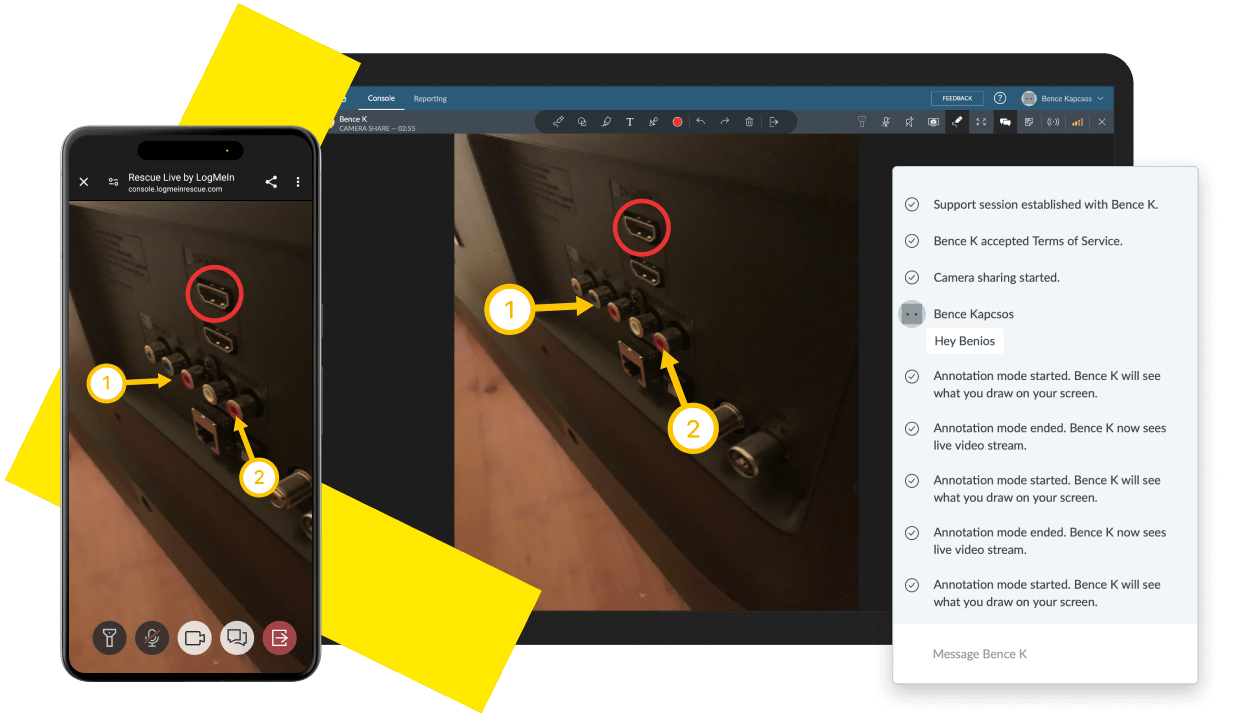
Draw live on users' screens to pinpoint what's gone wrong and easily guide them through solving problems on their end.

chat
Chat with users anytime, anywhere

Keep everyone on the same page

Communicate with users seamlessly during mobile support sessions, right on their device – while still accessing the tools you need to troubleshoot and resolve issues.

instant_remote-support
Co-browse on iOS and take over as you go

Let them show you what’s wrong with screensharing

Using the in-app browser, technicians and users can look at the same browser window together, simultaneously. Push URLs or enter text directly from your own device.

Get a front row view with Rescue Lens for iOS

LogMeIn Rescue Live Lens interface showcasing live camera sharing via iPhone and iPad, with annotation tools for secure remote support.

Flexible, dependable remote support–trusted by thousands of companies

scale
Scalable

Connect to any device in the world in 20 seconds and scale from 1 to 25,000 licenses–perfect for businesses of any size.

security
Secure

All remote support sessions employ TLS 1.2 transport security with AES-256-bit encryption, ensuring every session is safe and secure.

thumbs_up
Reliable

Cloud hosting and enterprise-grade infrastructure give Rescue world-class reliability and an uptime of 99.99+%.

  • Geek Squad logo
  • Littlefish logo
  • Symantec logo
  • HP logo
  • Fujifilm logo
  • Canon logo

See why our customers love Rescue

Try a better way to provide remote support iOS

Start a 14-day free trial of Rescue and level up your remote support for iOS devices. No credit cards. No commitments.
No credit card required