





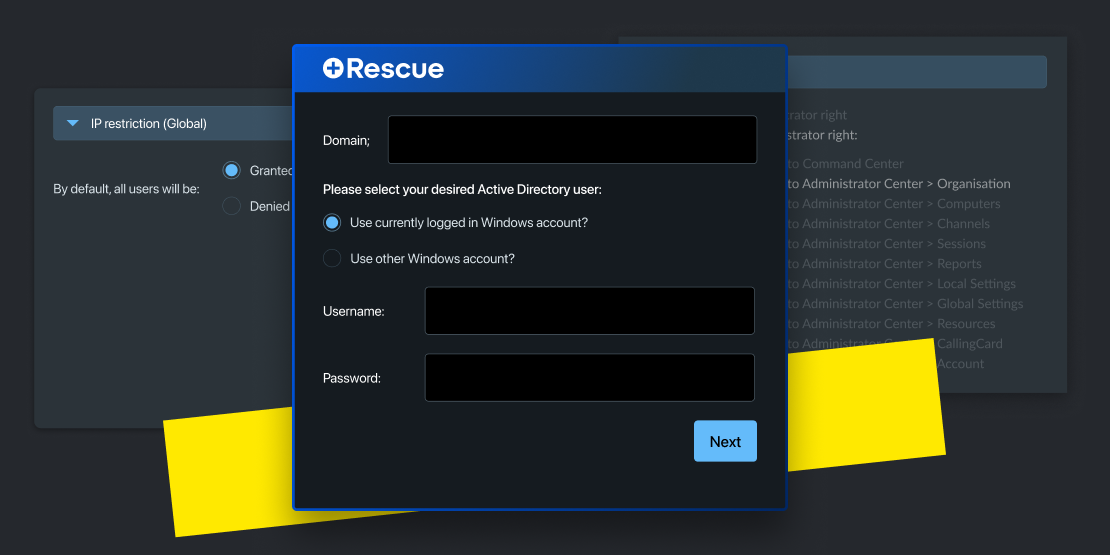
Security You Can Trust
Single-use applets, device-level authentication, SSO, and granular permissions, all included as standard. Built for teams that can't afford a trust problem.

FEATURE | LOGMEIN RESCUE | ANYDESK | WHY IT MATTERS |
|---|---|---|---|
Ad Hoc Session Experience |  Zero-install applet that auto-deletes after each session |  Requires download; known scam exploitation concerns | Builds end-user trust by leaving no persistent footprint behind |
Technician-Level Permissions | Identity-based permissions managed centrally | ⚠️ Permissions managed locally through device-side passwords | Supports least-privilege access and centralized auditing |
Unattended Access Security | Uses local OS/admin credentials with enforced re-authentication | Relies on AnyDesk account credentials | Keeps remote access tied to existing company identity controls |
AI-Powered Support | Session summaries, device analysis, and troubleshooting insights | No native AI capabilities | Reduces manual work and speeds up resolution times |
Integrations | Native integrations included (Nexthink, ServiceNow, Jira, Teams, and more) | ⚠️ Limited or tiered integrations | Fits seamlessly into existing enterprise workflows |
Technician Access | Browser-based console from any device | Desktop app required | Enables support from anywhere |
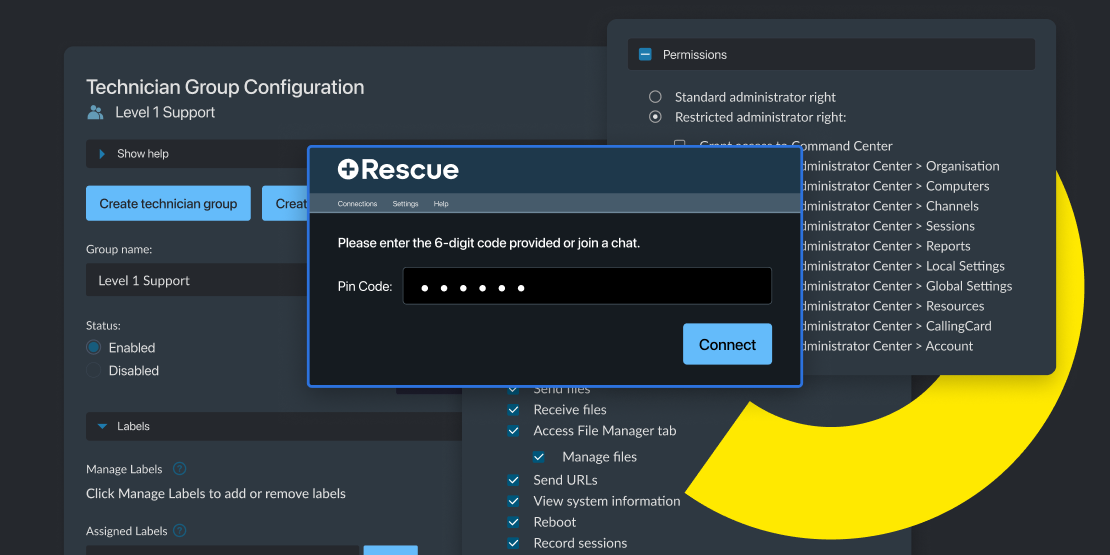
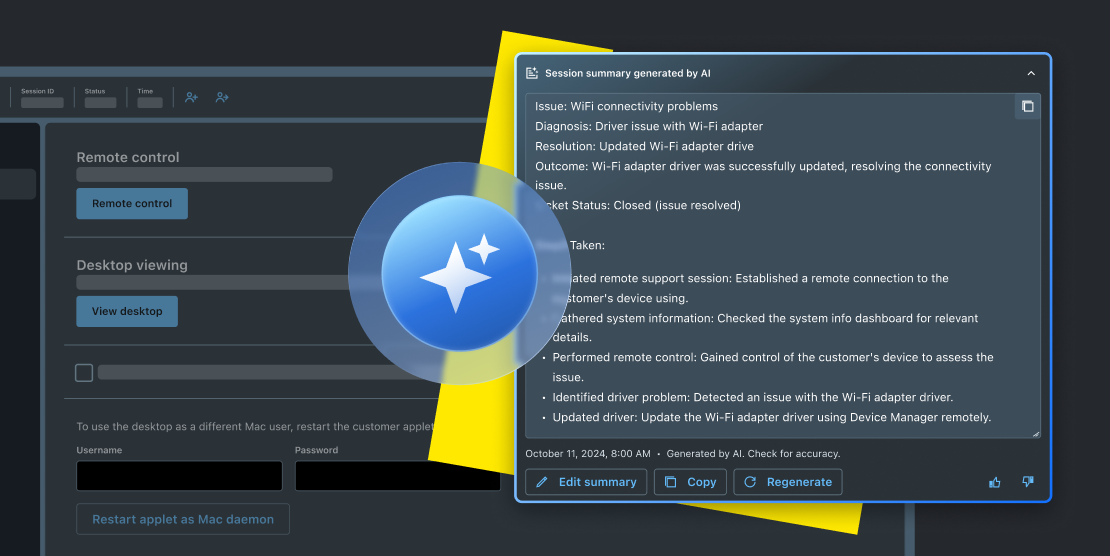
Rescue is built for control, accountability, and least privilege out of the box:
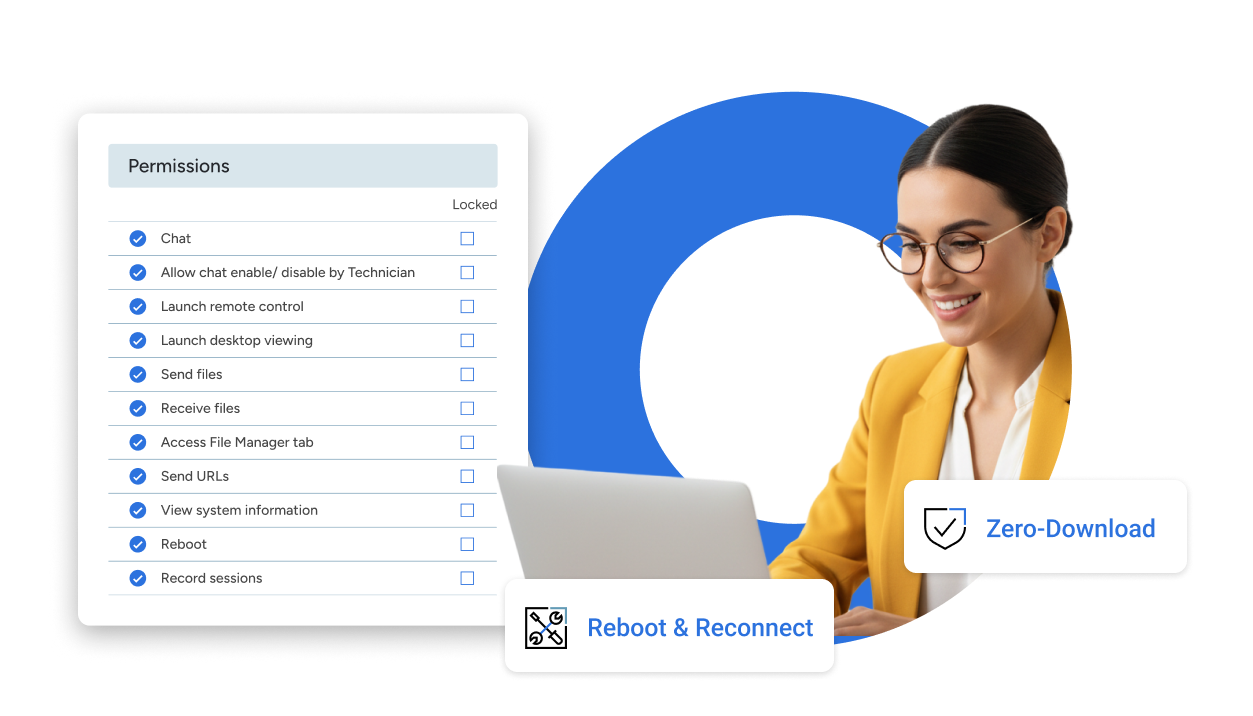
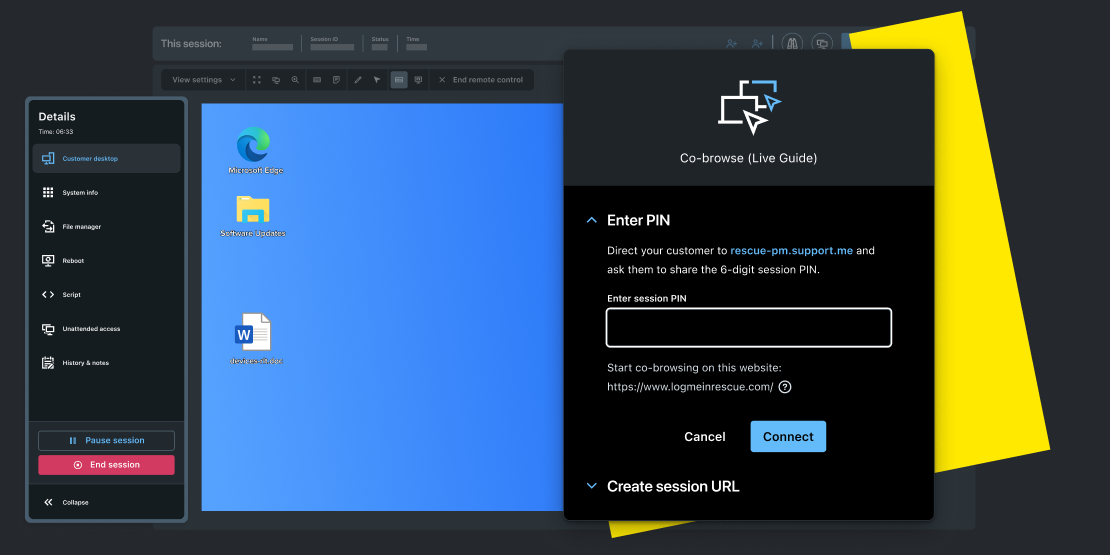
With 10+ connection methods to choose from, LogMeIn Rescue removes the friction from getting connected, without asking end users to sacrifice their sense of safety or control.
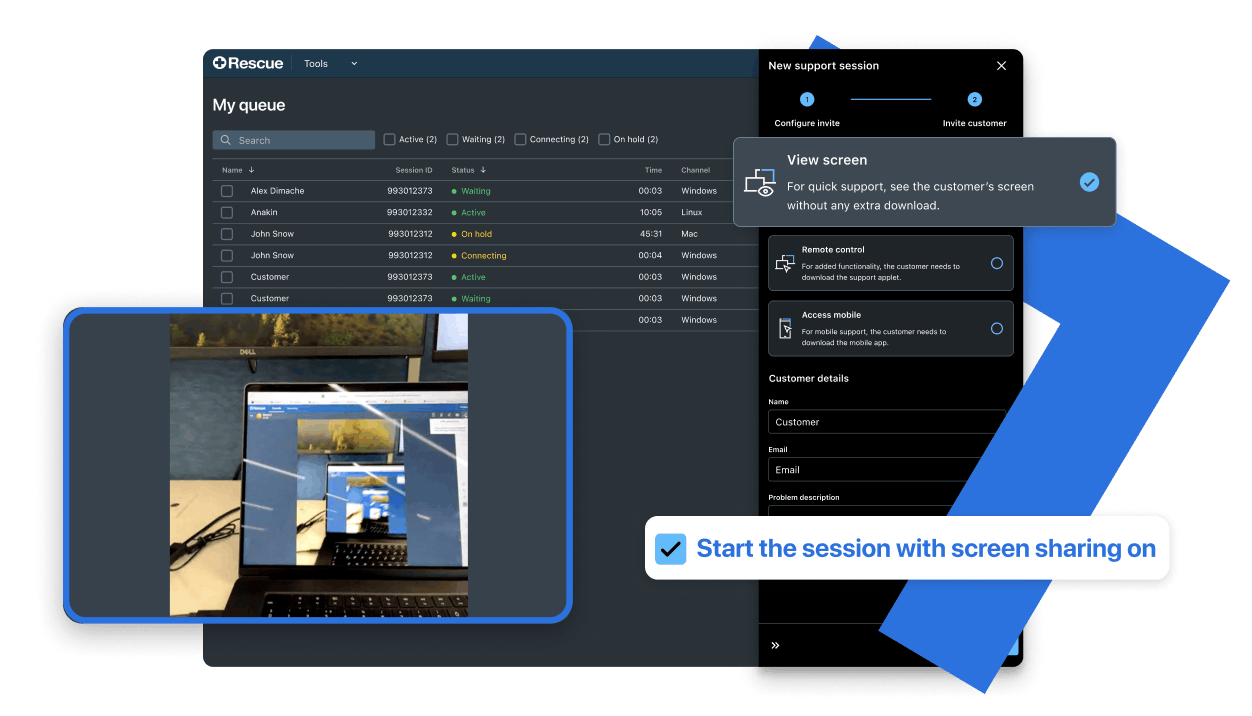
When session volume is high, small inefficiencies become big costs. LogMeIn Rescue eliminates them.
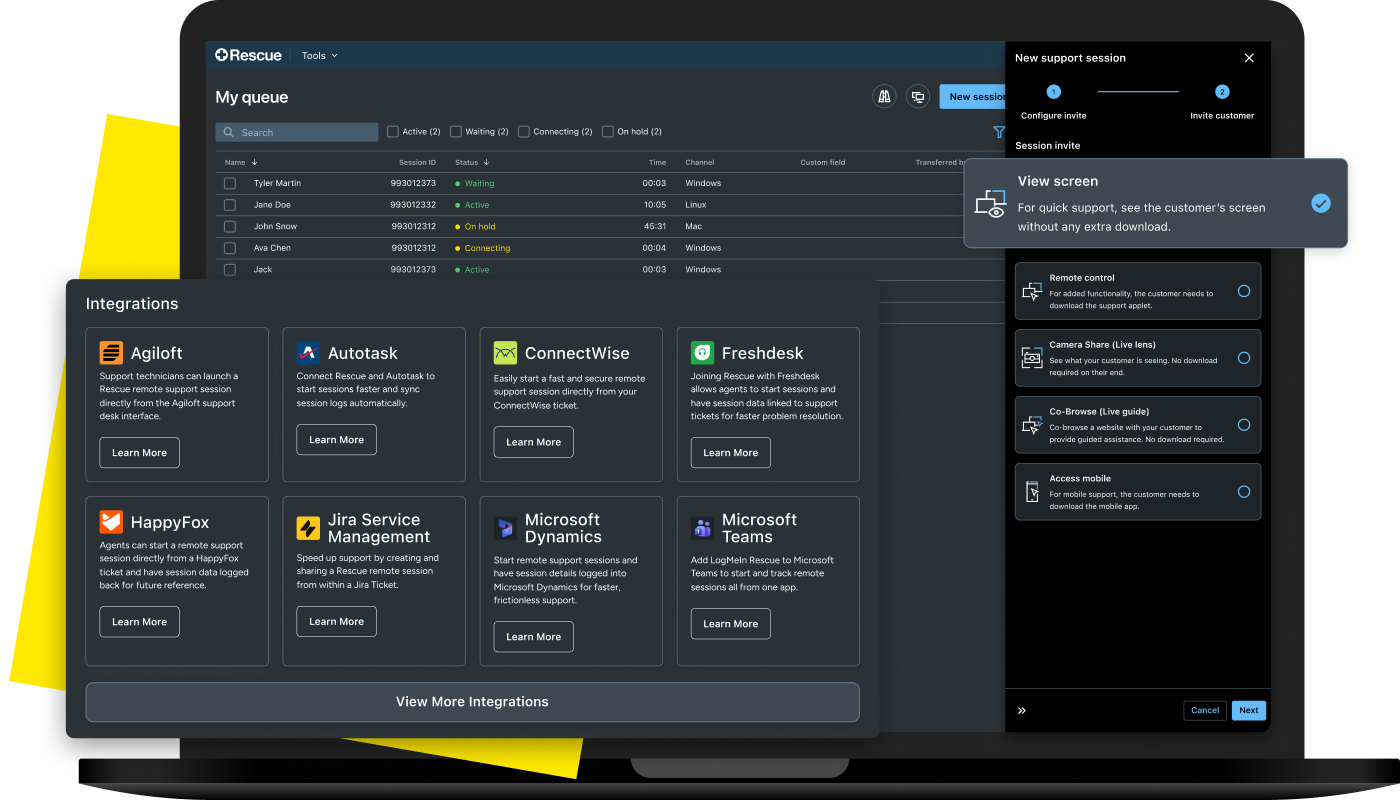
Why are organizations replacing AnyDesk with LogMeIn Rescue?
How does LogMeIn Rescue protect employees from AnyDesk-style scams?
How is Rescue's unattended access more secure than AnyDesk's?
Does LogMeIn Rescue require end users to download anything?
How is Rescue’s calling card different than unattended access?
Does AnyDesk offer Role Based Access Control?
Why are technician-level permissions important from a security perspective?
Does AnyDesk let you audit what happens in a session?
What integrations does LogMeIn Rescue offer that AnyDesk doesn't?
What AI capabilities does Rescue offer that AnyDesk doesn't?
